Tips for Creating a Productive Home Office Space
Creating a productive home office space is essential for anyone working remotely or managing tasks from home. A well-designed workspace can enhance focus, reduce distractions, and even improve your overall work-life balance. This guide will offer practical tips to help you design an effective home office that suits your needs.
Choose the Right Location
The first step is selecting a suitable spot for your home office. Ideally, pick a quiet area where you can concentrate without interruption. If possible, choose a room with a door to separate work from home life and reduce noise. Natural light is a bonus, as it improves mood and alertness. Corner spaces or small rooms work well for dedicated offices.
Invest in Comfortable and Functional Furniture
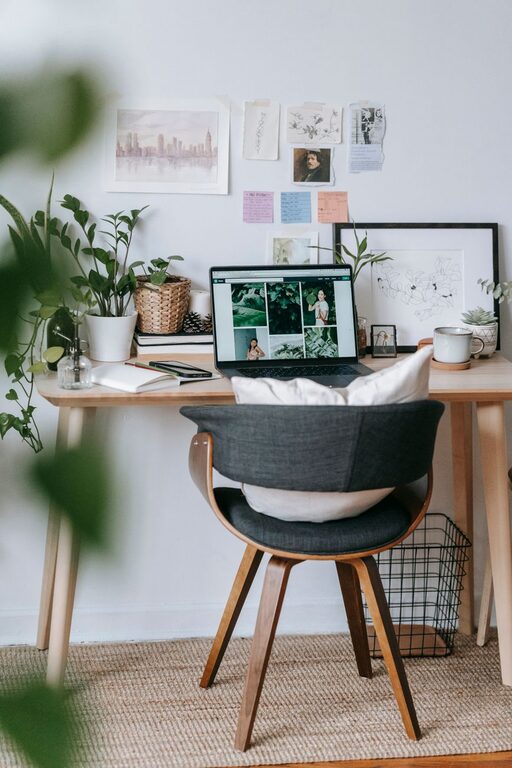
Comfort plays a big role in productivity. Invest in an ergonomic chair that supports your posture and a desk at the right height. Adjustable chairs and desks can accommodate different working positions, helping prevent discomfort over long hours. Avoid working on the couch or bed, as this can negatively affect focus and comfort.
Optimize Lighting
Good lighting is key in any workspace. Natural light is the best option, but if that’s limited, use bright, adjustable desk lamps. Avoid harsh overhead lights that cause glare, and position your computer screen to minimize reflections. Soft, warm lighting can create a cozy, welcoming environment that boosts concentration.
Keep Your Workspace Organized
An organized workspace allows you to focus on your tasks without distractions. Use drawers, shelves, and organizers to keep office supplies, documents, and electronic accessories tidy. Regularly declutter your desk to remove unnecessary items. Consider labeling storage boxes or folders to easily find what you need.
Use Technology Wisely
Equip your home office with reliable technology to streamline your work. A fast internet connection, a quality computer or laptop, and essential peripherals like a printer or headset can boost efficiency. Also, consider using noise-cancelling headphones if you’re in a noisy environment.
Personalize Your Space
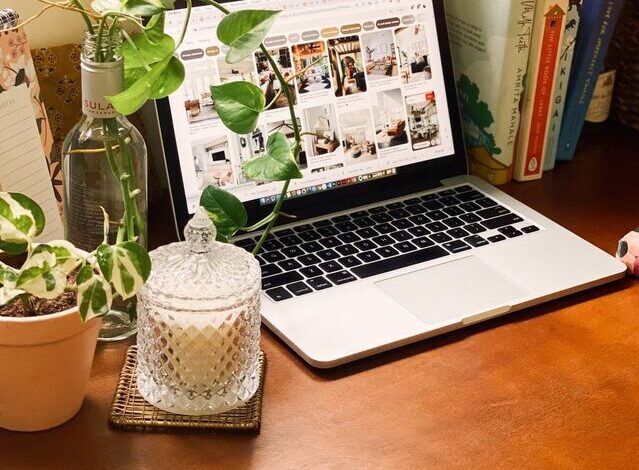
While staying professional, adding personal touches can make your home office more inviting. Display photos, plants, or artwork that inspire you. Green plants improve air quality and add a calming effect. Just be careful not to overcrowd your space with decorations.
Establish Boundaries and Routines
To maintain productivity, set clear boundaries for when and where work happens. Inform family or housemates about your work hours and space. Create a routine that mimics an office job, including regular breaks, to stay focused and avoid burnout.
Manage Noise and Distractions
Noise and interruptions can quickly disrupt workflow. Use door signs, white noise machines, or background music to mask distracting sounds. Apps and tools are available to block distracting websites during work hours. Creating signals to let others know you’re busy can also help reduce interruptions.
Take Breaks and Move Around
A home office setup shouldn’t encourage sitting all day. Schedule short breaks to stretch, walk, or simply change your posture. Movement helps maintain energy levels and mental clarity, preventing fatigue and burnout.
Make It Flexible
Sometimes, changing your work environment can refresh your mind. If possible, have a few different spots ready for working, such as a standing desk setup or a cozy reading nook. Flexibility in where and how you work can foster creativity and reduce monotony.
—
By following these simple tips, you can create a home office space that supports your productivity and well-being. Remember, the goal is to build an environment where you feel comfortable, focused, and ready to tackle your daily tasks effectively.