Tips for Creating a Cozy and Inviting Home Workspace
Creating a cozy and inviting home workspace can significantly improve your comfort and productivity. Whether you work from home full-time or occasionally, having a dedicated, welcoming space sets the tone for your day and helps you stay focused. Here are some practical tips to help you design a workspace that feels both comfortable and inspiring.
Choose the Right Location
Selecting the best spot for your workspace is the first step. Ideally, find a quiet area with enough natural light and minimal distractions. If space is limited, consider transforming a corner of your living room or bedroom into your office nook.
– Natural Light: Position your desk near a window to benefit from daylight, which can boost mood and reduce eye strain.
– Privacy: Use room dividers or screens if your workspace is in a multipurpose room.
– Avoid Noise: If noise is an issue, noise-canceling headphones or white noise machines can help maintain focus.
Invest in Comfortable Furniture
Comfort is key when setting up a workspace. Choose furniture that supports good posture and suits your work style.
– Ergonomic Chair: A supportive chair helps prevent back pain and fatigue. Look for adjustable height and lumbar support.
– Sturdy Desk: Pick a desk with enough surface area for your computer, documents, and any other essentials.
– Footrest: Consider adding a footrest if your feet don’t comfortably touch the floor, improving circulation.
Personalize Your Space
Adding personal touches makes your workspace inviting and uniquely yours. These details can also inspire creativity and make work feel less like a chore.
– Photos and Artwork: Display pictures of loved ones or calming artwork.
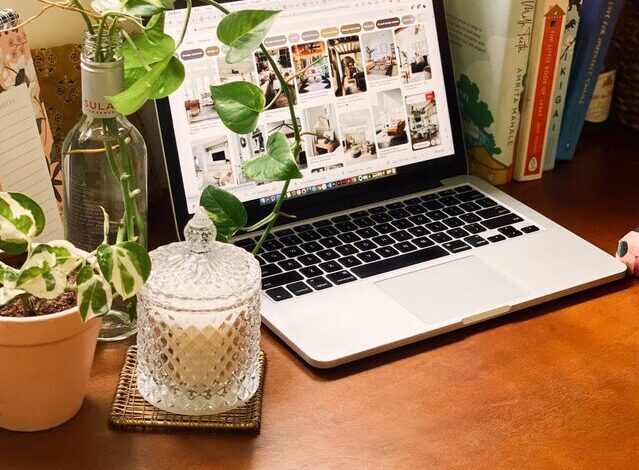
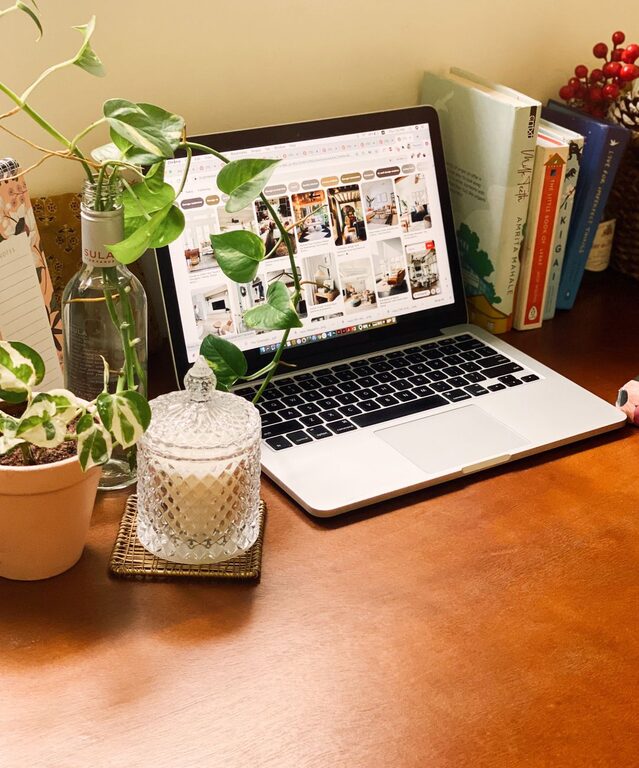
– Plants: Indoor plants improve air quality and add a sense of calm.
– Decor: Use rugs, cushions, or decorative items that match your style and create warmth.
Organize Efficiently
An organized workspace minimizes distractions and helps maintain focus throughout your workday.
– Storage Solutions: Use shelves, file organizers, or drawer units to keep supplies tidy.
– Cable Management: Use clips or cable covers to keep cords neat and out of the way.
– Minimal Clutter: Keep only essential items on your desk to maintain a clean surface.
Enhance Lighting
Proper lighting reduces eye strain and improves concentration.
– Task Lighting: Use a desk lamp with adjustable brightness and color temperature.
– Ambient Lighting: Complement with soft overhead or floor lamps for warmth.
– Avoid Glare: Position screens and lights to avoid reflections on your computer.
Incorporate Comfort Features
Adding elements that promote comfort helps you work longer without fatigue.
– Temperature Control: Use a fan or heater as needed to maintain a comfortable temperature.
– Cozy Textiles: Keep a soft throw blanket or cushion handy for added comfort.
– Refreshment Area: Set up a small station with water, tea, or snacks to stay refreshed.
Maintain Work-Life Balance
Creating boundaries is important, especially if your workspace is within your living area.
– Set a Schedule: Define working hours and stick to them.
– End-of-Day Ritual: Close your laptop, tidy your desk, or take a short walk to signal the end of the workday.
– Separate Space: If possible, keep your work area separate from relaxation zones.
Keep Technology in Check
Having reliable and efficient technology reduces frustration.
– Stable Internet: Make sure your Wi-Fi is fast and reliable.
– Necessary Devices: Equip your space with a good monitor, keyboard, and mouse.
– Backup Power: Consider a surge protector or battery backup to avoid interruptions.
Conclusion
Creating a cozy and inviting home workspace doesn’t mean you need to overhaul your entire home. Small adjustments like improving lighting, adding personal touches, and organizing effectively can transform your work area into a space you enjoy spending time in. Prioritize comfort and functionality as you design your workspace, and you’ll likely see benefits in your productivity and well-being.