
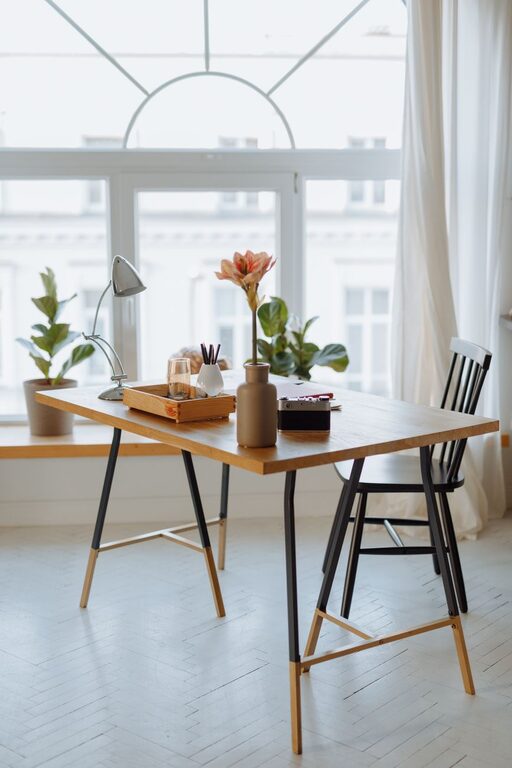
Tips for Creating a Cozy and Functional Home Workspace
Creating a cozy and functional home workspace has become essential for many people working or studying from home. A well-designed workspace boosts productivity, reduces stress, and makes daily tasks more enjoyable. Whether you have a dedicated room or a small corner, these tips will help you create a comfortable, efficient environment tailored to your needs.
Choose the Right Location
Consider Natural Light
Whenever possible, set up your workspace near a window. Natural light improves mood, reduces eye strain, and helps maintain your energy levels throughout the day. Position your desk to avoid glare on your computer screen while still letting in diffused daylight.
Find a Quiet Spot
Look for a place with minimal distractions and noise. A quiet corner or a room with a door you can close will allow you to focus better. If noise is unavoidable, consider noise-cancelling headphones or a white noise machine to block out interruptions.
Invest in Comfortable Furniture
Ergonomic Chair
A supportive, adjustable chair is one of the best investments for your home office. Good lumbar support and the ability to adjust height and tilt promote better posture and reduce discomfort during long hours of work.
Suitable Desk
Choose a desk that fits your space while providing enough surface area for your computer, documents, and other essentials. Standing desks or adjustable desks can offer flexibility and help reduce sedentary time.
Organize and Declutter
Use Storage Solutions
Keep your workspace tidy with shelves, filing cabinets, or drawer organizers. Regularly declutter your desk to create a calming and focused atmosphere. Use baskets or bins to store items you don’t use daily but want nearby.
Cable Management
Tidy cables with clips, sleeves, or under-desk trays. Reducing cord clutter improves both the look and safety of your workspace.
Personalize Your Space
Add Comfort and Style
Incorporate personal touches like photos, artwork, or plants. Greenery can brighten your area and improve air quality. Choose items that inspire you without overwhelming the space.
Use Soothing Colors
Soft, neutral colors create a calm environment but feel free to include pops of your favorite colors to make the space inviting and uplifting.
Optimize Lighting
Layer Your Lighting
Combine ambient, task, and accent lighting to reduce eye strain and enhance mood. A desk lamp with adjustable brightness can provide focused light for reading or detailed work.
Avoid Harsh Lights
Avoid fluorescent bulbs that can cause headaches. Opt for warm or daylight LED bulbs instead.
Manage Technology Efficiently
Reliable Internet Connection
Ensure your workspace has strong Wi-Fi or a wired connection to avoid disruptions. This is especially important for video calls or online collaboration.
Keep Devices Accessible
Keep your computer, printer, and other devices within easy reach but avoid overcrowding your desk. Wireless devices can reduce cable clutter.
Incorporate Break Spaces
Create a Relaxation Zone
If space allows, add a small chair, cushion, or corner for quick breaks. Changing your posture and taking mental breaks regularly improves overall productivity.
Use Aromatherapy and Sound
Consider using a diffuser with calming essential oils or playing gentle background music to create a pleasant atmosphere.
Maintain Routine and Boundaries
Set Work Hours
Define your work schedule and stick to it. Signaling the start and end of the workday helps maintain balance and reduces burnout.
Separate Work and Home Life
Avoid working in spaces associated with relaxation, like the bed or couch. Keeping your workspace separate strengthens focus and clearly divides work time from personal time.
—
By combining comfort, organization, and functionality, you can create a home workspace that supports your best work and well-being. Tailor these tips to fit your preferences and space, making your home office a place you enjoy spending time in every day.
